
- Ordered and paid by 1 p.m. (German time) — shipped today
- Specialist mail order from Hannover — advice by phone and email
- PayPal, Klarna, credit card, bank transfer



Delivery times:
Germany DHL: 1 – 2 days
Germany DHL Express: 1 day
EU countries: 2 – 5 days
Same-day shipping (Mon–Fri) for orders and payments received by 1 p.m. (German time)
Germany DHL Express: 1 day
EU countries: 2 – 5 days
Same-day shipping (Mon–Fri) for orders and payments received by 1 p.m. (German time)
In detail
All about the Mad Heaters Bowl Screen Tool for Tempest 2 and Tempest 2 Slim
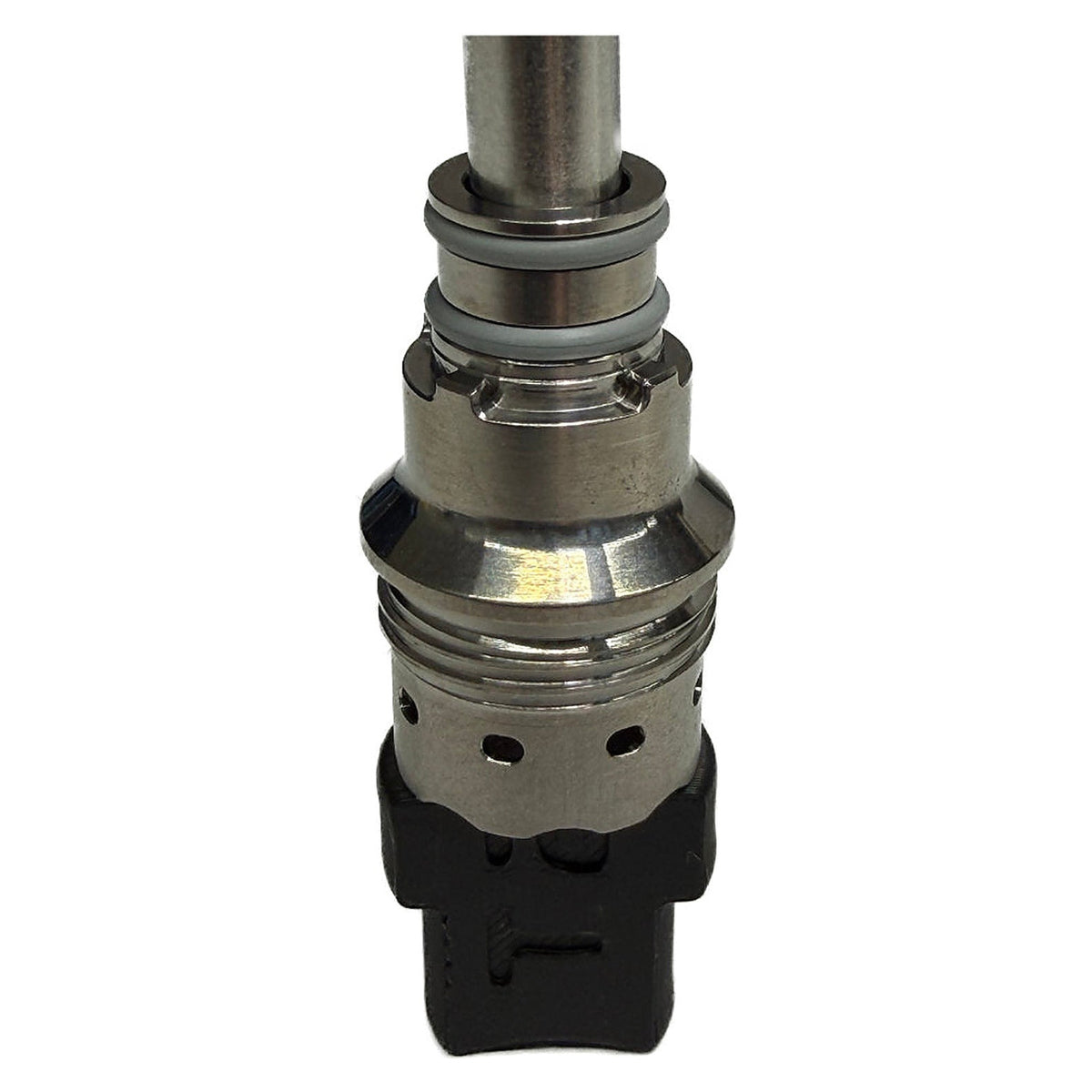
With the Mad Heaters bowl screen tool, you set the bowl screen in the Tempest 2 and the Tempest 2 Slim to exactly the fill height you want. The tool has two sides of different lengths: one for a half fill and one for a three-quarter fill of the chamber.
Half or Three-Quarter Fill
The full chamber holds approx. 0.2 g. Use the short side to set a half chamber (approx. 0.1 g) and the long side for a three-quarter fill (approx. 0.15 g). That way you adjust the amount precisely instead of painstakingly moving the screen by eye.
How to Set the Chamber Screen
- First push the bowl screen all the way down to the bottom of the chamber.
- Insert the tool into the chamber with the matching side.
- Using the metal tube, slowly push the screen from the other side against the tool until it sits in place.
Replacement for the Included Tool
The tool already comes with the Tempest 2 Slim. On its own, it works as a replacement if you lose it, or as an add-on for the Tempest 2. You'll find more accessories under vaporizer accessories and spare parts.
Technical Specifications
| Type | setting tool for the bowl screen |
| Settings | ½ chamber (approx. 0.1 g) or ¾ chamber (approx. 0.15 g) |
| Compatible with | Mad Heaters Tempest 2, Tempest 2 Slim |
What's in the Box:
- 1× bowl screen tool for Tempest 2 and Tempest 2 Slim
Instructions, safety and compliance
Manufacturer and responsible person (GPSR)
Hersteller
Responsible person in the EU
Importeur
Questions and answers (FAQs)
It lets you set the bowl screen in the Tempest 2 or Tempest 2 Slim to a half or three-quarter fill of the chamber.
Yes, the tool fits both models. It already comes with the Tempest 2 Slim.
